> ## Documentation Index
> Fetch the complete documentation index at: https://bruno-a6972042-mintlify-c74cb75a.mintlify.site/llms.txt
> Use this file to discover all available pages before exploring further.
# Azure CLI Authentication
Azure CLI authentication feature allows you to authenticate with Azure Key Vault using your existing Azure CLI session, without requiring manual entry of Tenant ID, Client ID, or Client Secret in Bruno.
## Prerequisites
1. **Azure CLI Installation**: Ensure Azure CLI is installed on your system
2. **Azure CLI Authentication**: Log in to Azure CLI using `az login`
3. **Key Vault Access**: Ensure your Azure account has access to the target Key Vault
## Setup Instructions
### Step 1: Install and Configure Azure CLI
1. Install Azure CLI from [Microsoft's official website](https://docs.microsoft.com/en-us/cli/azure/install-azure-cli)
2. Open terminal/command prompt and run:
```bash theme={null}
az login
```
3. Follow the browser-based authentication process
### Step 2: Configure Secrets
1. Navigate to the **Environment** > **External Secrets** and select **Azure Key Vault**
2. Adding account configuration, you will see auth mode dropdown. Select **Azure CLI**
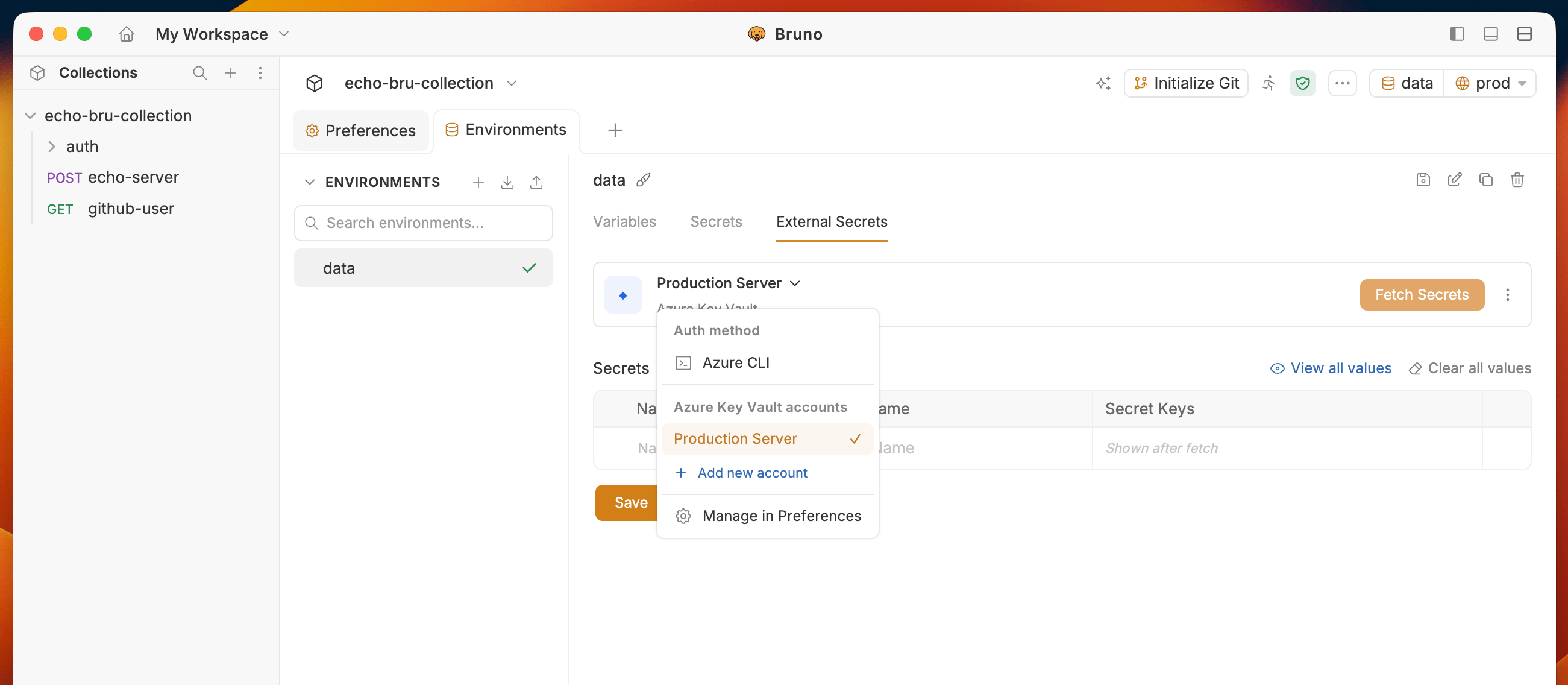 3. Click on **Test CLI** to verify authentication
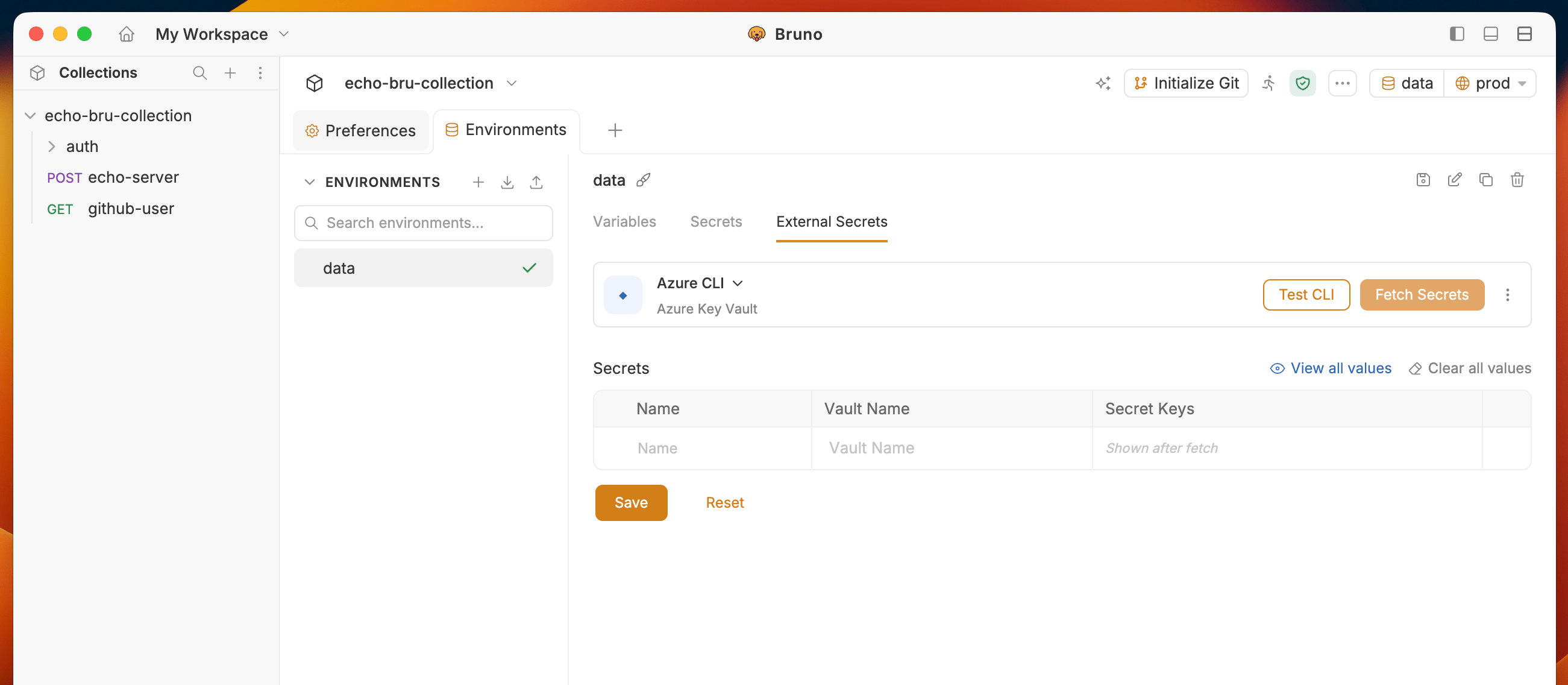 You will see **Azure CLI is available and configured correctly** message if authentication is successful.
### Step 3: Fetch Secrets
1. Click **Fetch Secrets** to retrieve secrets from Azure Key Vault
2. You'll see secrets fetched in the **Secret Keys** column.
Bruno Azure CLI authentication for Azure Key Vault integration, eliminating the need to store credentials locally and providing a more secure authentication method.
## Using Secrets with Bruno CLI
To learn more about using secrets with Bruno CLI, please refer to [CLI Documentation](/bru-cli/secret-managers).
You will see **Azure CLI is available and configured correctly** message if authentication is successful.
### Step 3: Fetch Secrets
1. Click **Fetch Secrets** to retrieve secrets from Azure Key Vault
2. You'll see secrets fetched in the **Secret Keys** column.
Bruno Azure CLI authentication for Azure Key Vault integration, eliminating the need to store credentials locally and providing a more secure authentication method.
## Using Secrets with Bruno CLI
To learn more about using secrets with Bruno CLI, please refer to [CLI Documentation](/bru-cli/secret-managers).